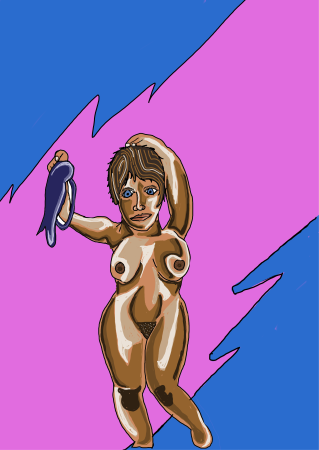
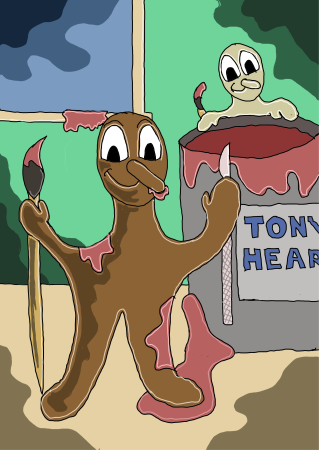
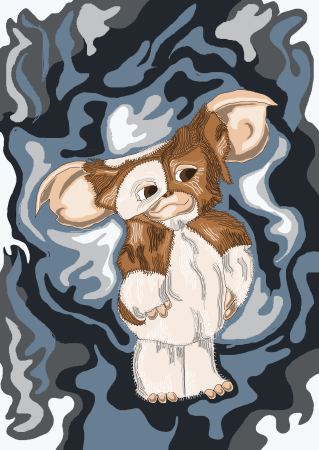
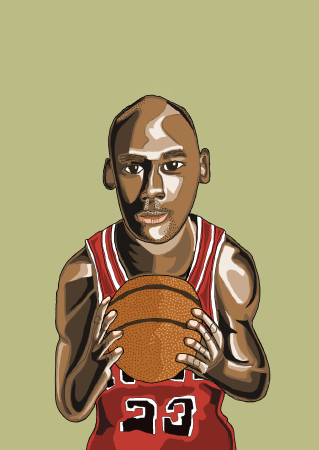
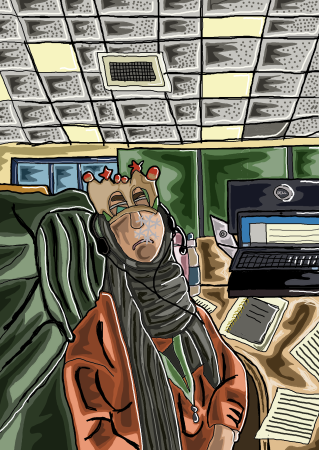
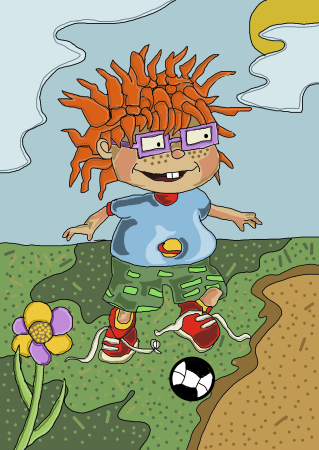
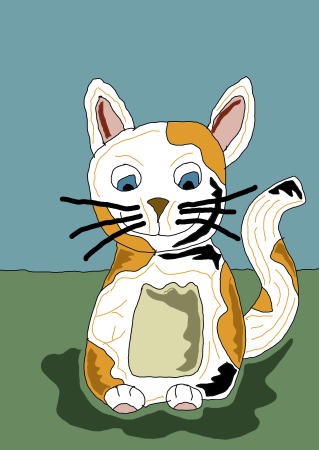
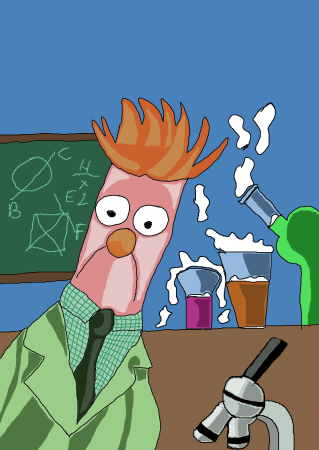
Being a qualified traditional artist, and wanting to get into Digital Art, i decided to test the waters before fully deciding whether it was right for me.
There are some differences between the two, traditional art, i.e pen & paper, is very much different than pen & tablet. In many ways from how you go about drawing or painting something digitally instead of traditionally.
You have to approach digitial drawing in a different way, it is still a method of drawing or painting, but there was a bit of a learning curve.
Like anything you try you want to test the waters before going head deep.
Range of Tech Considered
I looked at a range of technology to achieve this from Ipads to windows surface. Being a Microsoft fan boy, i like the UI experience on windows, but didn't want to cast Apple completely out of the picture, no pun intended, so i borrowed a mates IPad and gave it a go. I did find the IPad was good, but it didnt quite hit the benchmark i was looking for. So, without spending, alot of money, i looked on Ebay for 2nd hand windows surface. Now what i will say, is the i bought a surface pro 7 for around the £300 mark, but it came with an after market keyboard which wasn't ideal and no pen was included.
The keyboard that came with it, kind of had to be synced with the surface and charged at the same time via a USB cable which felt really clunky. So i spent a further £80 on a 2nd hand official surface keyboard and i knew straight off it was the right choice, it just worked without any additional messing about. But you would expect this for something that is designed to work together.
Pen wise I knew i wanted a half decent one so i purchased a new open box off ebay this set me back either £40 or £80. So my test bed equipment cost around £460.
Software Used
I wanted to keep the cost down, having spent best part of just under £500 so i decided to see if free software would do the job. I did some research and even downloaded different free options. The drawing software that i reallly liked, and still used, is a program called inkscape. Inkscape has a whole range of features and is a fully feldged digital drawing software. I also considered paid options, but, as Inkscape, does what i need it to do, was happy to stick with InkScape.
Traditional V Digital Mobability
The thing that was very apparent from first starting to doing digital drawing is no messing about setting up, in terms of setting up a canvas, getting you paints etc ready, i just turned on my windows surface and loaded inkscape and off i went and i could take the windows surface with me alot easier than all my traditional gear.
Change to Drawing Technique
One thing that became clear when i started digital drawing on my windows surface device is the way in which you draw, kind of similar with traditional drawing, but you build up a picture from the ground up in layers. This meant that when drawing something you have to think differently about how you draw. The other thing thats different is the haptic feedback, with traditional methods you get better feedback in terms of where the pen is on paper, where as, digitally you don't get this. I also find that you can rest your hand on the physical bit of paper where you can't do this with digital, i had some really weird things happened when doing this on my windows surface device, like auto drawing of lines and shapes where i didnt have the pen.
Would I recommend Digital Drawing V Traditional?
I would have to say yes, as i find digital drawing easier, in terms of setup time and portability. Yes, there is more cost involved in going digital, even if you go down the free software route, with traditional methods of drawing or painting you could draw for a fraction of the cost. But once you are all setup, the long run its better.
To the Future
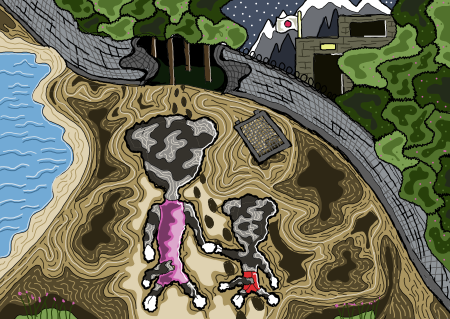
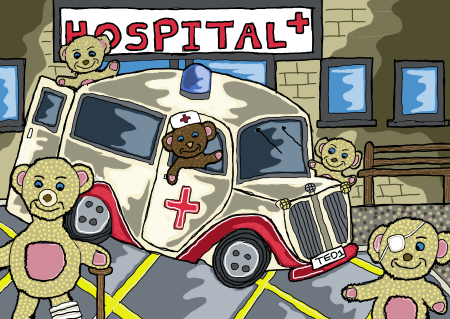
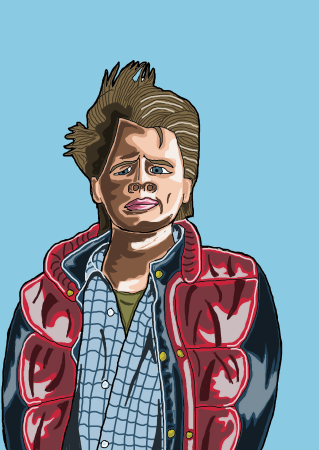
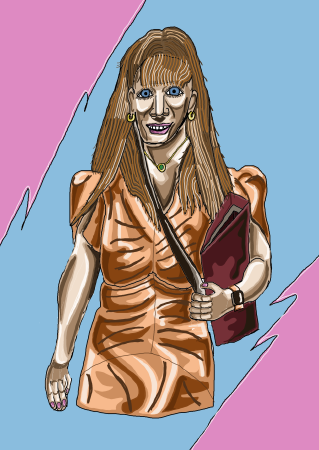
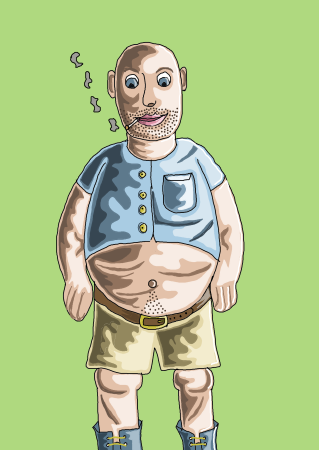
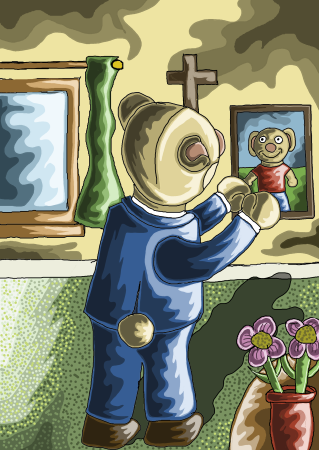
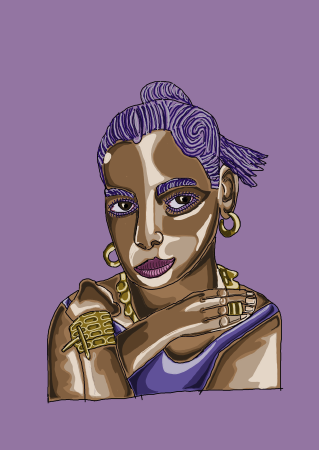
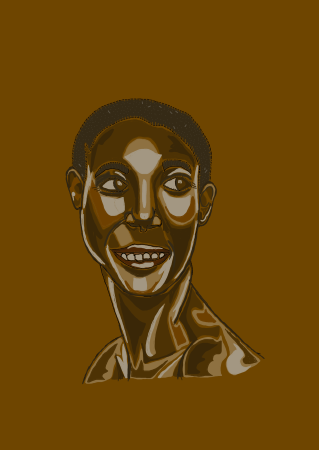
Whilst still testing the waters of digital drawing I am feeling my way through the digital landscape and different digital methods of drawing including styles, like any artist tries to perfect their style. I guess my style is more real with a hint of cartoon aspect to it.
Once i knew i enjoyed digital drawing it was time for a more suitable device as i found the windows surface crashed a couple of times when drawing and i lost my art. Which i found really annoying. I decided for a 2-in-1, as i build software for a living and art is a hobby, i wasnt keen on carting two devices about. So i knew that a 2-in1 was the ideal candidate for reducing my technical debt.
I spent a good amount of time looking into different options that would cover both basis, in the end i decided to purchase a HP Spectre from argos, don't get me wrong, Currys, did have a good range of devices in stock but i quite liked the slightly smaller form factor with the 2-in-1.
The real icing on the cake is the Windows Surface Pen just worked with the HP Spectre with no additional configuration.
My plan is to do more drawings and, eventually, would love to do custom designs for Christmas and Birthday cards as a custom drawn card is more personal than one you pick up out of a Shop.
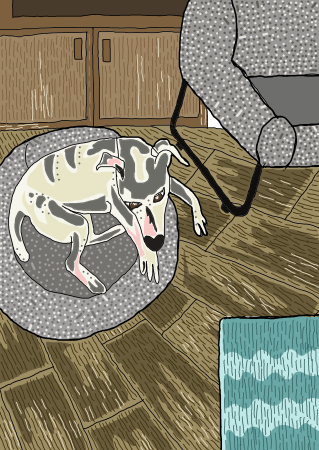
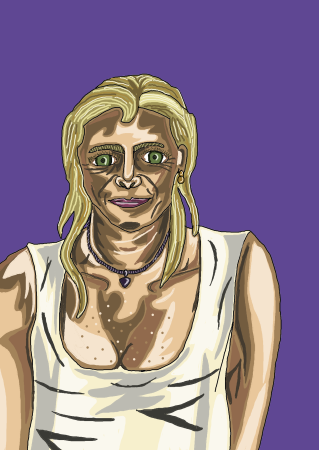
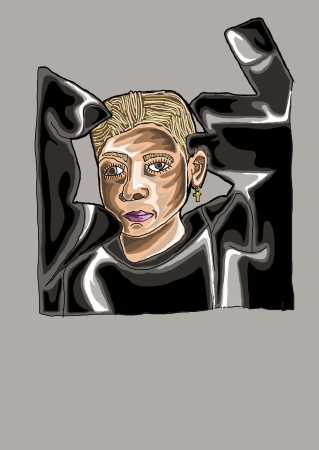
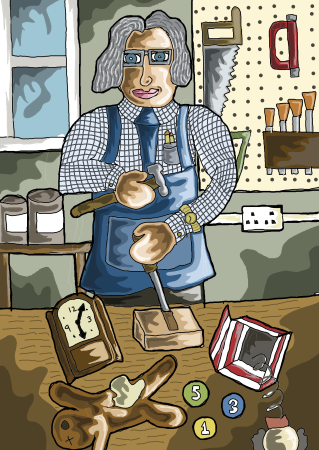
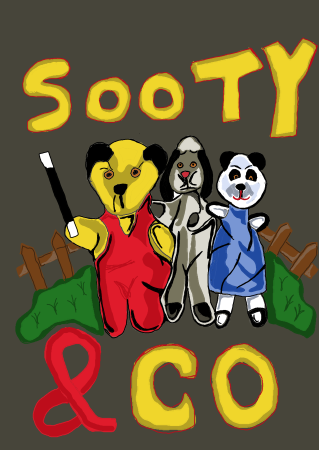
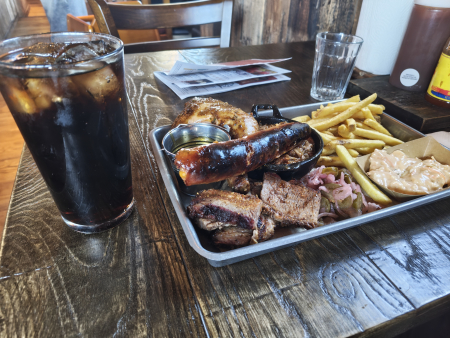
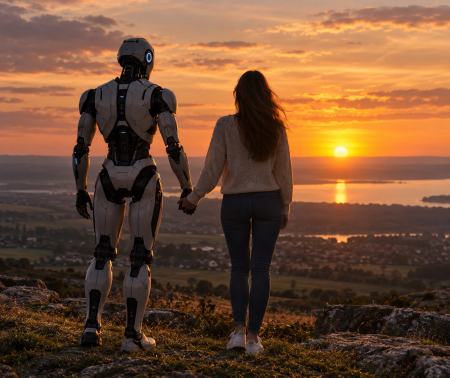
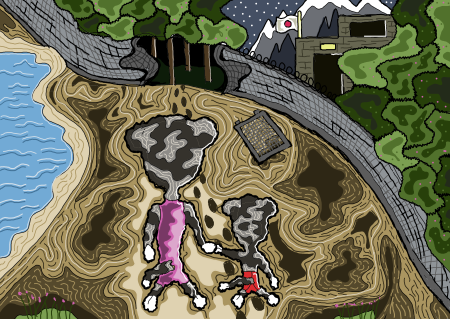
I've included some samples of Digital Art that i have been doing below. Hope you like them